
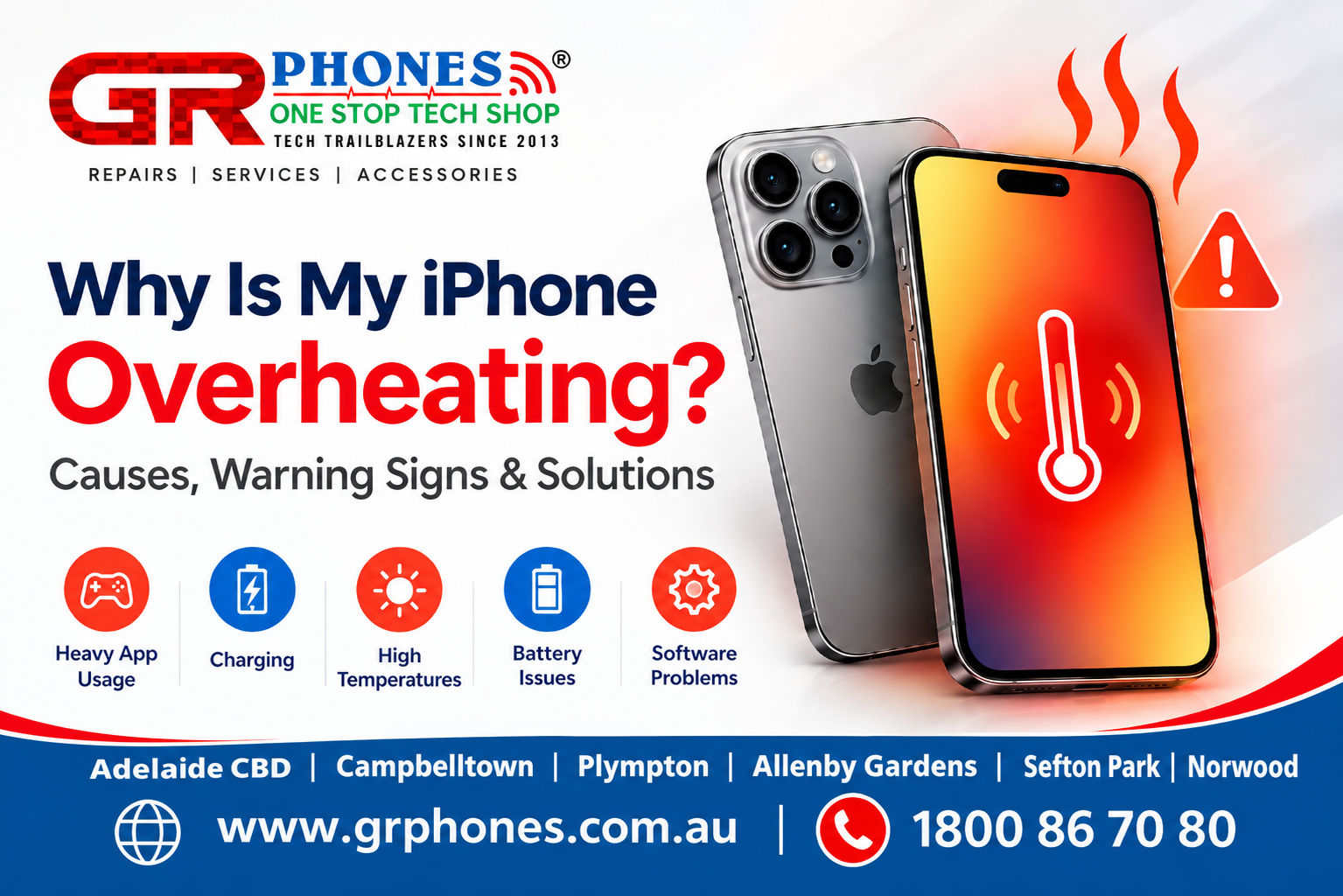
An iPhone can become warm during normal use, especially when you are charging it, using the camera for a long time, playing games, or running apps that require a lot of processing power. However, if your iPhone regularly becomes very hot or stays hot even when you are not doing much with it, there may be an underlying issue that needs attention.
Overheating can happen because of something as simple as direct sunlight or heavy app usage. In other cases, problems with the battery, charging system, software, or internal components may be involved. Understanding why your iPhone is getting hot can help you decide whether you can solve the issue yourself or whether professional iPhone Repair Adelaide may be necessary.
What Causes an iPhone to Overheat?
There is no single reason why an iPhone becomes hot. Different situations can increase the temperature of the device, and understanding the possible causes can make it easier to identify the problem.
1. Heavy App or Game Usage
Some apps put more pressure on the iPhone’s processor and graphics system than others. High-performance games, video editing apps, navigation, video calls, and camera applications can make the phone work harder.
Using several demanding apps for an extended period can cause the iPhone to become noticeably warm. In many cases, the temperature should gradually come down once you stop the demanding activity and allow the phone to rest.
If the phone only becomes warm while performing intensive tasks and returns to a normal temperature afterward, it may not indicate a hardware problem.
2. Using the iPhone While Charging
It is normal for an iPhone to become slightly warm while charging. The charging process generates some heat, and using the phone at the same time can increase the workload.
Streaming videos, playing games, making video calls, or using navigation while charging may make the device warmer than usual.
If the phone becomes unusually hot every time you charge it, however, it is worth checking the charger, cable, charging port, and battery condition.
3. Exposure to High Temperatures
Leaving your iPhone in direct sunlight, inside a parked car, or in another hot environment can quickly increase its temperature.
Even if the phone itself is working correctly, surrounding heat can make it difficult for the device to maintain a normal operating temperature.
Try to keep your iPhone away from direct sunlight and avoid leaving it in hot places for extended periods.
4. Battery-Related Problems
The battery is another possible reason an iPhone may become unusually warm.
As a battery gets older, its capacity and performance can change. A damaged or faulty battery may also behave differently during charging or normal use.
If you notice that your iPhone is getting hot together with rapid battery drain, unexpected shutdowns, or significant changes in battery performance, the battery may need to be inspected.
These symptoms do not automatically mean that the battery is the only cause. A professional inspection can help determine whether the battery or another component is contributing to the overheating.
5. Background Activity
Sometimes an app or system process may continue working in the background even when you are not actively using it.
For example, background syncing, location services, photo processing, downloads, or other activities can increase processor and battery usage.
If the overheating started after installing or updating an app, check whether that application is consuming unusually high battery power.
You can also review your iPhone’s battery usage to see which apps have been using the most power recently.
6. Software Problems
A temporary software issue can sometimes cause excessive processor activity, which may make the iPhone warmer than normal.
Restarting the device and keeping iOS updated can help with some software-related problems. If the overheating continues despite normal usage and basic troubleshooting, further investigation may be necessary.
Software-related overheating can sometimes be temporary, but repeated overheating should not simply be ignored.
How to Tell If Your iPhone Is Too Hot
A warm iPhone is not always a sign of a serious problem. The important thing is to consider what you were doing when the phone became warm and whether the temperature returns to normal afterward.
Some warning signs include:
- The iPhone becomes very hot to touch
- The phone gets hot during light or normal use
- Battery percentage drops unusually quickly
- The display becomes dimmer
- Charging slows down or temporarily stops
- Apps become slower or less responsive
- The iPhone displays a temperature warning
- The device shuts down unexpectedly
If the phone becomes hot only after intensive use and cools down after resting, the situation may not indicate a hardware fault.
However, repeated or unexplained overheating should not be ignored, particularly when it happens during simple tasks such as browsing, messaging, or making calls.
What Should You Do When Your iPhone Gets Too Hot?
If your iPhone feels unusually hot, the first step is to stop using demanding apps and give the device some time to cool.
Move it away from direct sunlight or other heat sources. If it is charging, disconnect it and allow the phone to cool before using it again.
You can also close demanding apps and restart the iPhone once it has returned to a normal temperature.
Avoid trying to cool the phone rapidly with ice, a freezer, or very cold surfaces. A sudden temperature change can create additional problems.
If the overheating happens repeatedly, it is better to identify the cause rather than simply trying to cool the phone each time.
Check Your Battery Usage
Your iPhone provides useful information about battery usage. Checking which apps are consuming the most battery can help you identify whether a particular application is contributing to the problem.
Go to the battery settings on your iPhone and review recent battery activity. If one application is using significantly more battery than expected, consider updating it or checking whether the problem continues after temporarily removing it.
Battery health information can also provide useful clues. If the battery is significantly aged or the phone is experiencing other battery-related symptoms, professional inspection may be worthwhile.
Keep in mind that battery usage alone does not always identify the exact cause of overheating. It is one useful part of troubleshooting.
Can a Faulty Charger Cause an iPhone to Overheat?
Yes, charging equipment can be a factor.
A damaged cable, faulty charger, poor-quality accessory, or problem with the charging connection can contribute to unusual heat during charging.
This does not mean every warm phone has a charger problem. Some warmth during charging is normal. The concern is when the device becomes excessively hot, charging repeatedly stops, or the problem occurs consistently with a particular charger or cable.
If the issue seems to be related to the charging connection, the iPhone charging port and other charging components may need to be inspected.
Using suitable, good-quality charging accessories and keeping the charging port clean can help reduce avoidable charging issues.
When Should You Get Your iPhone Checked?
If your iPhone continues overheating after you have stopped intensive use and allowed it to cool, it may be time to have it checked.
Professional inspection is especially useful when overheating occurs together with battery problems, charging problems, unexpected shutdowns, display issues, or other unusual behaviour.
Do not ignore an iPhone that becomes extremely hot repeatedly. Continuing to use a device with an unresolved hardware issue may allow the underlying problem to become more serious.
A technician can inspect the device and determine whether the issue is related to the battery, charging system, software, or another internal component. If the problem requires professional attention, iPhone repair services can help identify and address the underlying issue.
Getting the problem checked early can also help prevent unnecessary damage and make it easier to identify the actual cause.
How to Help Prevent iPhone Overheating
A few simple habits can help keep your iPhone operating at a normal temperature:
- Avoid leaving your iPhone in direct sunlight
- Do not leave it inside a hot car
- Give the phone a break after long periods of heavy use
- Avoid intensive gaming or video processing while charging
- Keep iOS and your apps updated
- Use reliable charging accessories
- Check battery usage if the phone becomes unusually warm
- Do not cover the phone with thick materials while charging
- Get repeated overheating checked instead of ignoring it
These steps will not prevent every possible overheating problem, but they can reduce some common causes.
FAQs
Why is my iPhone overheating suddenly?
An iPhone may suddenly become hot because of heavy app usage, charging, direct sunlight, background activity, software processes, or a battery-related problem. If the overheating continues during normal use, the device should be checked.
Is it normal for an iPhone to get warm while charging?
Some warmth while charging can be normal. However, if your iPhone becomes excessively hot, charging repeatedly stops, or the problem happens every time you charge it, there may be an issue that needs attention.
Can an old iPhone battery cause overheating?
An aged or faulty battery can contribute to unusual heat, particularly during charging or heavy use. If overheating occurs together with rapid battery drain or unexpected shutdowns, checking the battery is recommended.
Should I put my hot iPhone in the fridge?
No. Avoid using a freezer, refrigerator, ice, or other extreme cooling methods. Instead, stop using the phone, move it away from heat, disconnect it from charging if necessary, and allow it to cool naturally.
When should I get an overheating iPhone repaired?
If your iPhone repeatedly becomes very hot during normal use, shows temperature warnings, has charging or battery problems, or shuts down unexpectedly, professional inspection can help identify the cause and determine whether iPhone repair is required.
Final Thoughts
An iPhone becoming slightly warm during charging or demanding use is generally not unusual. The concern is when the device becomes very hot, overheats during light use, or repeatedly shows other warning signs.
Start by considering what you were doing when the phone became warm. Heavy apps, charging, high temperatures, background activity, software issues, and battery problems can all play a role.
If the overheating keeps happening even after basic troubleshooting, professional inspection can help identify the actual cause. Addressing the problem early may also help prevent a small issue from developing into a more complicated repair.
If your iPhone is repeatedly overheating along with charging, battery, or performance problems, having it properly assessed is a better approach than continuing to use it without knowing the cause.