
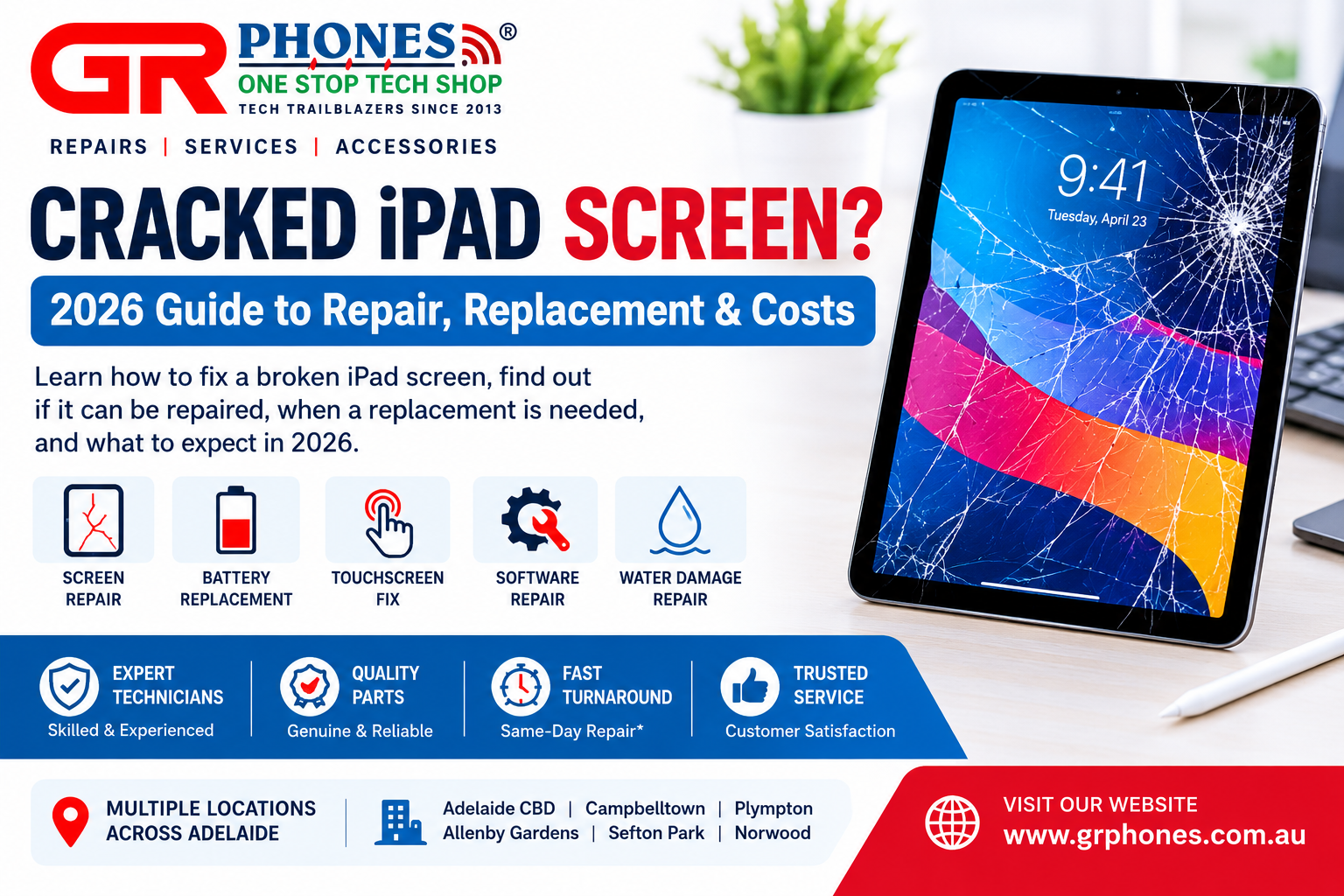
A cracked iPad screen can happen in seconds. A drop from a table, an accidental impact, or pressure inside a bag can leave the glass cracked, shattered, or difficult to use. Even when the iPad still turns on, continuing to use a damaged screen can create additional problems.
If you are wondering how to fix a broken iPad screen, whether a cracked display can be repaired, or when a complete screen replacement is needed, this guide explains what you should know in 2026.
Can a Cracked iPad Screen Be Repaired?
Yes, a cracked iPad screen can often be repaired, depending on the type and extent of the damage.
The correct repair depends on what has been affected. A small crack in the outer glass is different from a damaged LCD, touch layer, or complete display assembly. If the iPad has been dropped heavily, there may also be damage beneath the screen that is not immediately visible.
Common signs that your iPad needs professional screen repair include:
- Visible cracks across the display
- Shattered or loose glass
- Touchscreen areas that no longer respond
- Lines appearing across the display
- Black spots or unusual colours
- Flickering or distorted images
- A screen that lifts away from the frame
- Display damage after a drop or impact
A professional technician can inspect the device and determine which components have been affected before recommending the appropriate repair.
What Should You Do After Cracking Your iPad Screen?
The first step is to handle the damaged iPad carefully. Broken glass can have sharp edges, and continued pressure on the display may make the damage worse.
If the touchscreen still works, back up important photos, documents and other data as soon as possible. This is especially useful before any hardware repair.
Avoid pressing hard on cracked areas and do not attempt to remove the damaged screen yourself unless you have the appropriate repair experience and tools.
If the screen is severely shattered, keep the device protected and arrange a professional inspection.
How Do You Know If You Need a New iPad Screen?
A screen replacement may be necessary when the display or touch functionality has been significantly affected.
For example, if your iPad displays an image normally but the glass is cracked, the damage may be limited to the front screen assembly. If you notice touch problems, display lines, black areas, flickering, or complete loss of display, the internal components may also require attention.
A professional inspection is the safest way to identify the actual problem.
This is particularly important because different iPad generations use different screen designs and components. The correct replacement part must match the specific iPad model.
iPad Mini Cracked Screen: What Are Your Options?
The compact design of an iPad Mini makes it convenient to carry, but its screen can still be damaged by accidental drops and impacts.
A cracked iPad Mini screen may continue working initially. However, cracks can spread over time, and damaged glass can make touchscreen use uncomfortable or unsafe.
If you have an iPad Mini with a cracked or shattered display, identify the exact model before arranging a repair. Different generations can use different screen components, so the model number is important when determining the appropriate repair solution.
Fixing an iPad Air Screen
An iPad Air with a damaged screen can experience anything from visible glass cracks to touchscreen or display problems.
If the iPad Air turns on but the screen does not respond correctly, the problem may involve more than the outer glass. Touch issues, display distortion and dead areas should be checked by a technician.
Professional iPad screen repair can help determine whether the screen assembly needs replacement and whether other components have been affected by the original impact.
What About an iPad Pro With a Cracked Screen?
iPad Pro models use advanced display technology, so screen damage can affect both the appearance and usability of the device.
A cracked iPad Pro display may show:
- Touchscreen problems
- Display lines
- Flickering
- Dark or black sections
- Unresponsive areas
- Cracked or shattered glass
- Reduced display visibility
If your iPad Pro has suffered physical damage, avoid assuming that the visible crack is the only problem. A professional diagnostic check can identify whether the display, touch functionality, or other internal components have been affected.
Can You Fix a Shattered iPad Screen Yourself?
DIY screen repair may look simple when watching online tutorials, but iPad screen replacement requires specialist tools and careful handling.
The screen is attached to the device using adhesives and other components. Opening an iPad incorrectly can damage internal cables, connectors or other parts.
There is also a risk of damaging the replacement component during installation.
For these reasons, professional repair is generally the safer option, particularly when the screen is completely shattered or the iPad has additional damage.
Is It Safe to Keep Using an iPad With a Cracked Screen?
It depends on the condition of the damage.
A minor crack may not immediately prevent normal use, but that does not mean the device should be ignored. Cracks can become larger when the iPad is exposed to additional pressure or impact.
A severely damaged screen can also create sharp edges and interfere with touchscreen operation.
If the screen is lifting, has exposed components, or becomes unusually hot, stop using the device and seek professional assistance.
Common Causes of iPad Screen Damage
Understanding how screen damage happens can help prevent future problems.
Accidental Drops
Dropping an iPad is one of the most common causes of cracked screens. Even a short fall can damage the glass or display.
Pressure
Keeping an iPad underneath heavy objects inside a bag can put pressure on the screen and cause cracks.
Impact
A direct impact from another object can cause the glass to shatter or damage the display underneath.
Bending or Frame Damage
If the iPad frame becomes bent, it can place pressure on the screen and create additional damage.
Poor Protection
Using an iPad without a protective case increases the chance of screen damage from accidental drops and impacts.
How to Prevent a Cracked iPad Screen
Once your iPad has been repaired, a few simple habits can help reduce the risk of future damage.
Use a protective case designed for your specific iPad model. A case with raised edges can provide additional protection around the display.
A quality screen protector can also help protect the surface from scratches and minor impacts.
When carrying your iPad, keep it in a dedicated compartment rather than placing heavy objects directly on top of it.
Avoid leaving your iPad near the edge of tables, desks or other surfaces where it could easily fall.
Choosing the Right iPad Repair Service
When looking for an iPad repair provider, consider more than just the repair itself.
Check whether the technician has experience working with your specific iPad model. Ask what type of replacement components are used and whether the completed repair is tested before the device is returned.
It is also useful to choose a repair provider that handles different iPad models and common problems rather than specialising in only one generation.
GR Phones provides iPad repair services for a range of iPad models, including iPad Pro, iPad Air and iPad Mini. Its repair category also covers common issues such as cracked or shattered screens, battery problems and charging faults.
When Should You Get Your iPad Screen Repaired?
You should consider professional repair when the crack is spreading, the touchscreen is becoming difficult to use, or the display has visible faults.
You should also arrange an inspection if the iPad has been dropped and you suspect internal damage, even when the screen appears to be working normally.
Early assessment can help identify hidden damage and prevent a small problem from becoming more complicated.
If you are searching specifically for iPad repair Adelaide, GR Phones offers local repair stores across Adelaide as well as an Australia-wide mail-in repair option.
Final Thoughts
A cracked iPad does not necessarily mean that the device needs to be replaced. In many situations, professional screen repair can restore normal functionality and make the iPad usable again.
Whether you have an iPad Mini with a shattered screen, an iPad Air with touch problems, or an iPad Pro with display damage, the first step is to identify the exact model and have the device properly inspected.
Avoid attempting complicated repairs without the right tools and experience. A professional technician can diagnose the damage, identify the affected components and recommend the appropriate repair solution.
For customers looking for professional iPad repair services, GR Phones provides repair support for multiple iPad models and common issues, including screen, battery and charging problems.
FAQs
Can a cracked iPad screen be fixed?
Yes. Many cracked iPad screens can be repaired or replaced. The appropriate solution depends on the iPad model and the extent of the damage.
How do I fix a broken iPad screen?
The safest approach is to have the iPad inspected by a professional technician. Screen replacement requires specialist tools and careful handling of internal components.
Can a shattered iPad screen be replaced?
Yes. A severely shattered screen can often be replaced, provided the iPad is otherwise suitable for repair.
Can I replace a cracked iPad screen myself?
DIY replacement is possible for experienced repair technicians, but it can be difficult without specialist tools and knowledge. Incorrect installation can cause additional damage.
Can an iPad Mini screen be replaced?
Yes. iPad Mini models can be assessed for screen damage and repaired when suitable replacement components are available.
Can an iPad Air screen be repaired?
Yes. An iPad Air with a cracked or damaged display can be professionally assessed to determine the appropriate repair.
Can an iPad Pro screen be replaced?
Yes. iPad Pro screen damage can be assessed by a professional technician to determine whether the display assembly requires replacement.
Should I keep using my iPad after the screen cracks?
If the damage is severe, it is better to stop using the device until it has been inspected. Sharp glass, worsening cracks and touchscreen problems can make continued use unsafe or inconvenient.
How can I protect my iPad after screen repair?
Use a suitable protective case and screen protector, avoid placing heavy objects on the device, and handle it carefully when transporting it.